Ergmatic + Intervals.icu
Ride your Intervals.icu workouts on iPhone and iPad.
Plan in Intervals.icu. Execute structured indoor cycling workouts in Ergmatic. Send the completed ride back for analysis.
Download on the App StoreYou need an Intervals.icu account, Ergmatic on iOS 26 or later, and a Bluetooth FTMS smart trainer. Connect to the internet to sync.
Connect your account
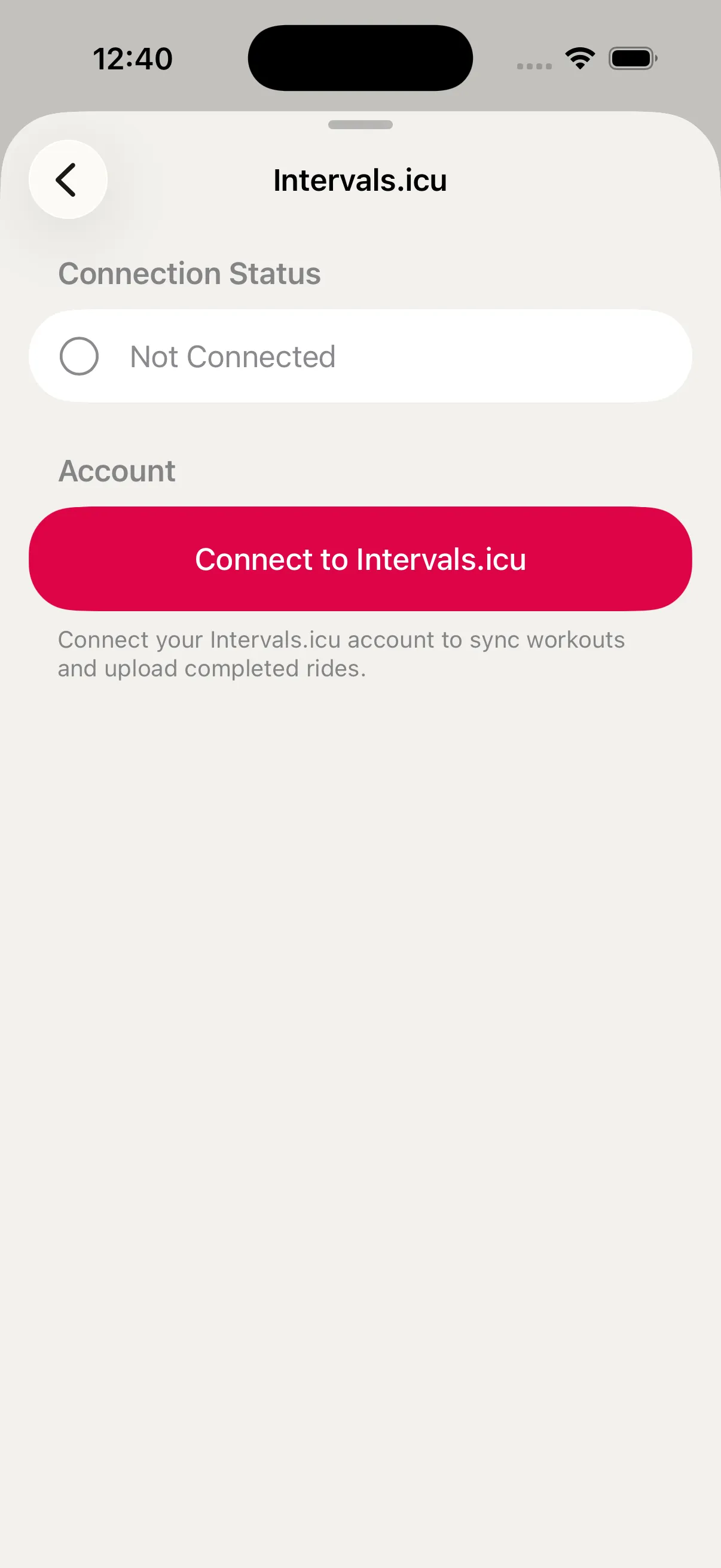
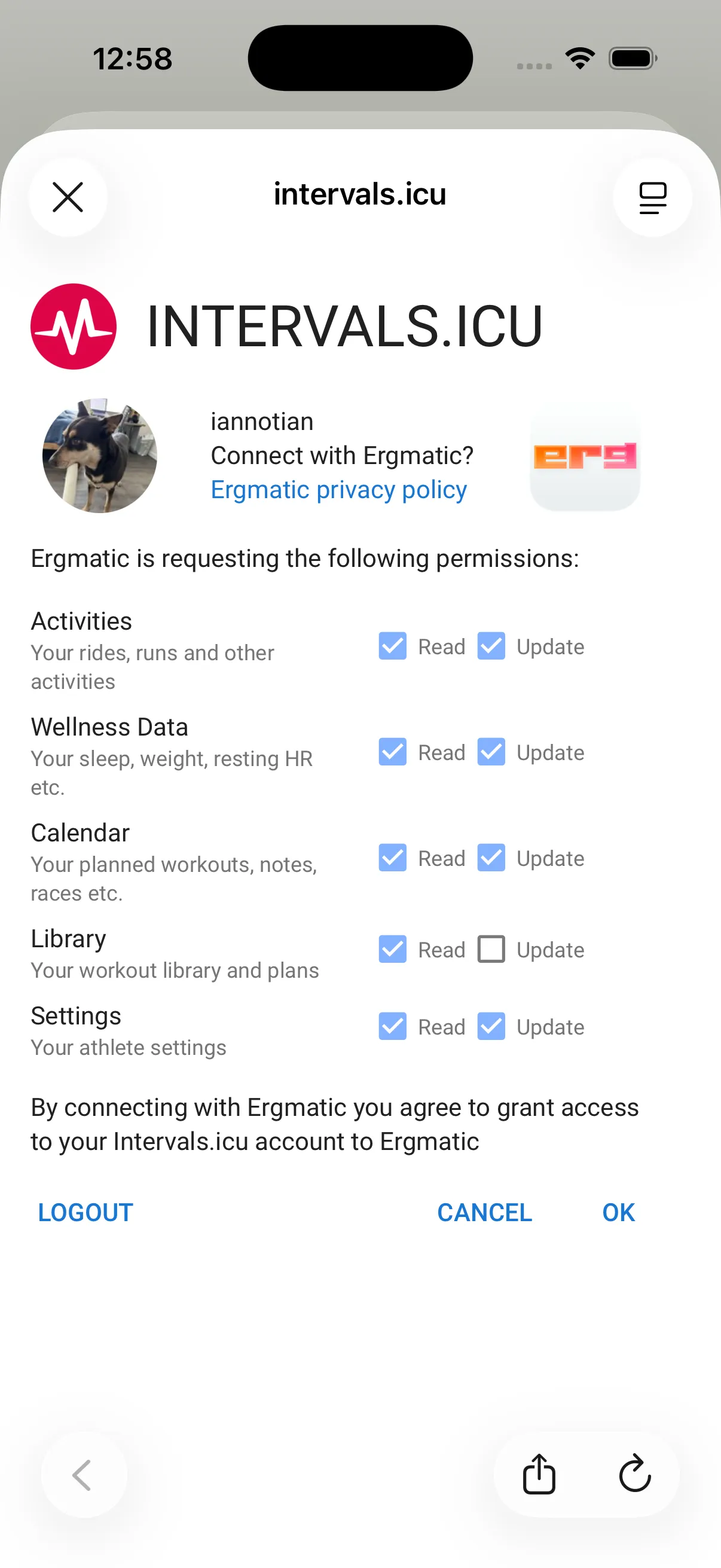
In Ergmatic, open Settings → Data & Services → Intervals.icu. Tap Connect to Intervals.icu, then Continue. Sign in, review the requested permissions, and tap OK. Back in Ergmatic, check that Upload Completed Rides is enabled.
Plan a structured workout
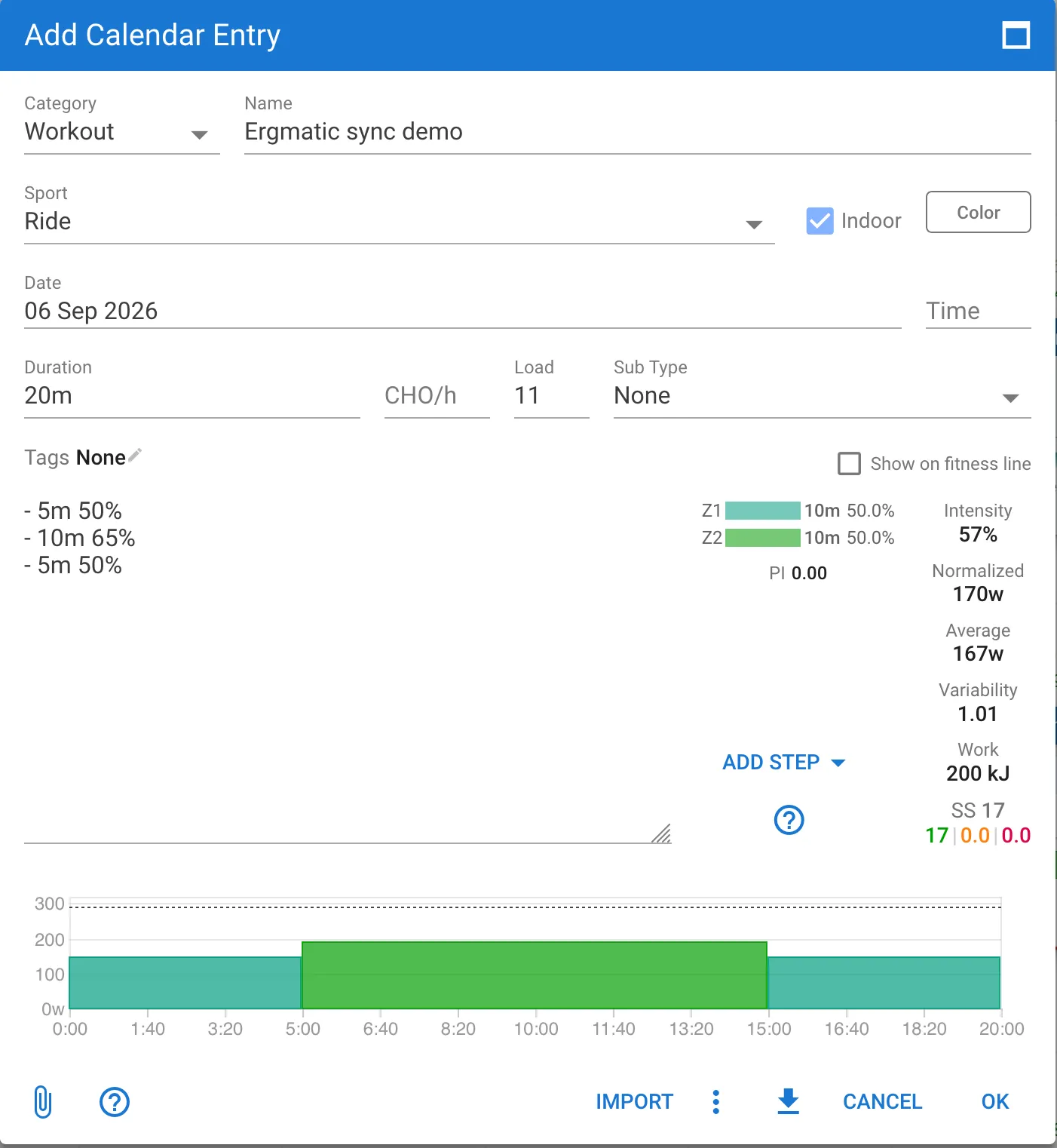
In the Intervals.icu calendar, add a Workout, select Ride and Indoor, and choose a date. Add interval steps in the workout builder, then save with OK. This example is 5 minutes at 50% FTP, 10 minutes at 65%, and 5 minutes at 50%.
Open it in Ergmatic
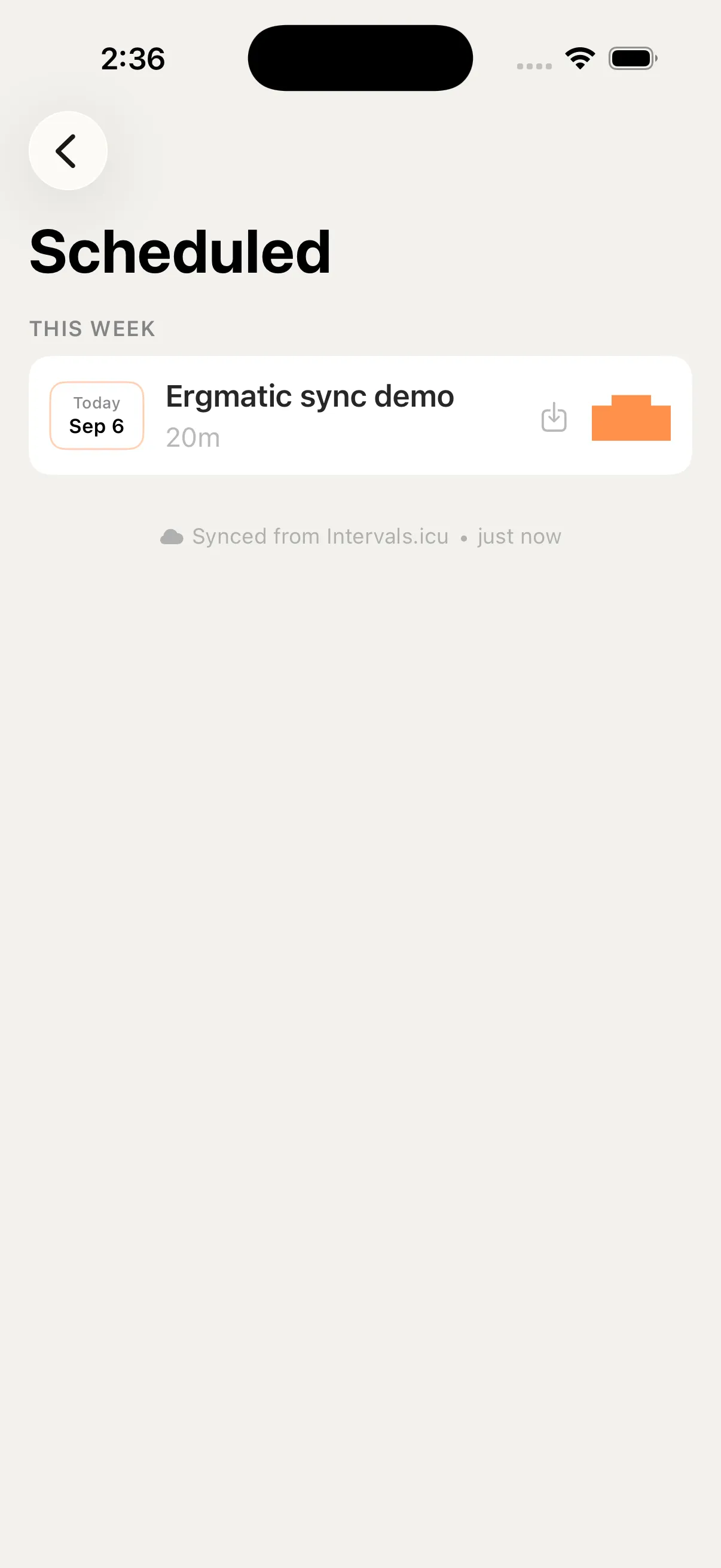
Open Scheduled Workouts in Ergmatic. The calendar syncs when this view opens; pull down to refresh after making changes. Select the workout, check its intervals, connect your trainer, and tap Start Workout.
Save your ride and sync back
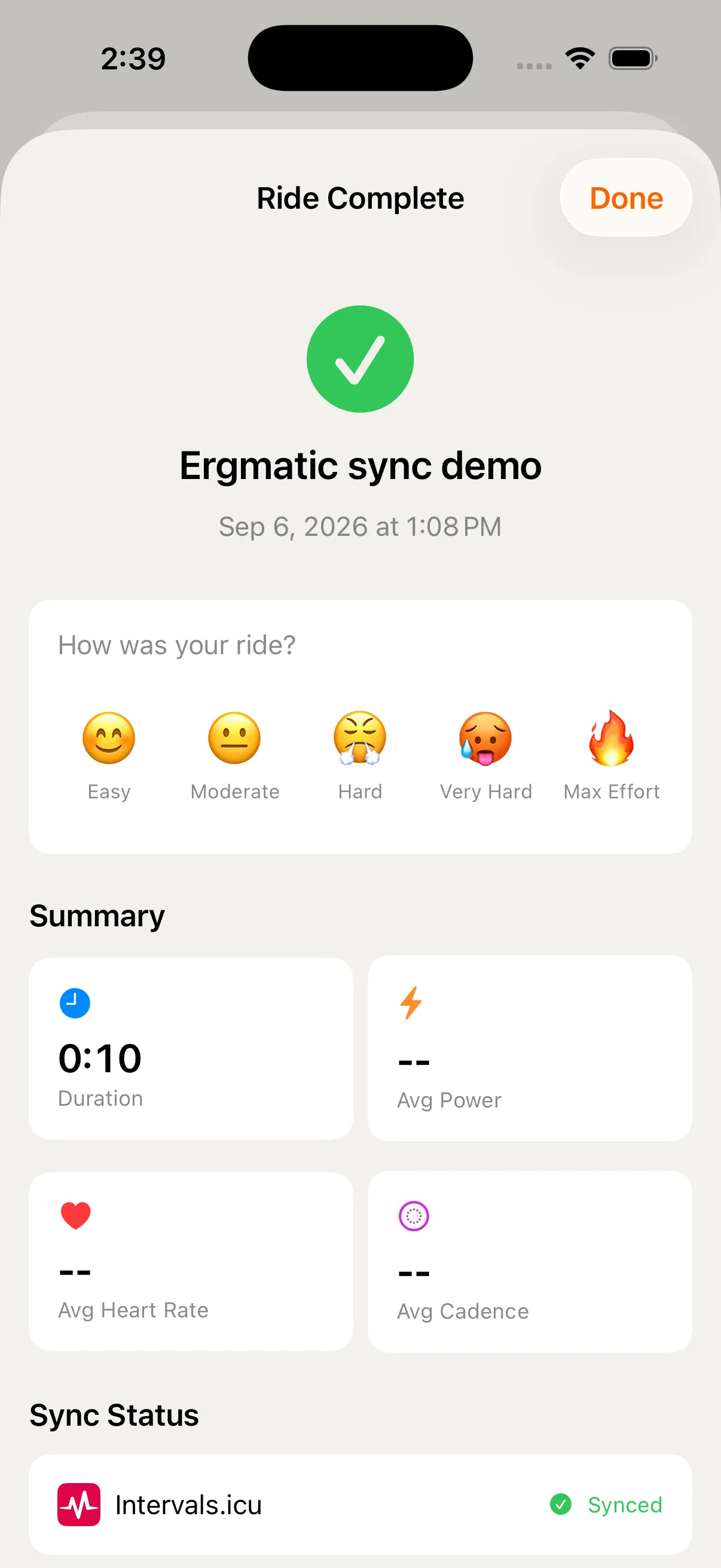
When you finish, choose Save & End. With Upload Completed Rides enabled, Ergmatic uploads the ride to Intervals.icu. Check Sync Status in the ride summary, then open the activity in your Intervals.icu calendar. If an upload fails, reconnect to the internet and tap Retry.